

Typing all day can slow you down, especially when you need to answer emails, write documents, or take notes during meetings.
Voicy promises a faster way to work by turning your voice into accurate text that works across almost every website and desktop application.
The software claims 99%+ accuracy, supports more than 50 languages, and includes features like automatic punctuation and a privacy-first design.
In this Voicy review, you’ll learn exactly what the software offers, how much it costs, how it compares to built-in dictation tools, and if it’s the right choice for your workflow.
If you decide to subscribe, you can also save 10% with the EARTHWEB coupon code.
What Is Voicy?
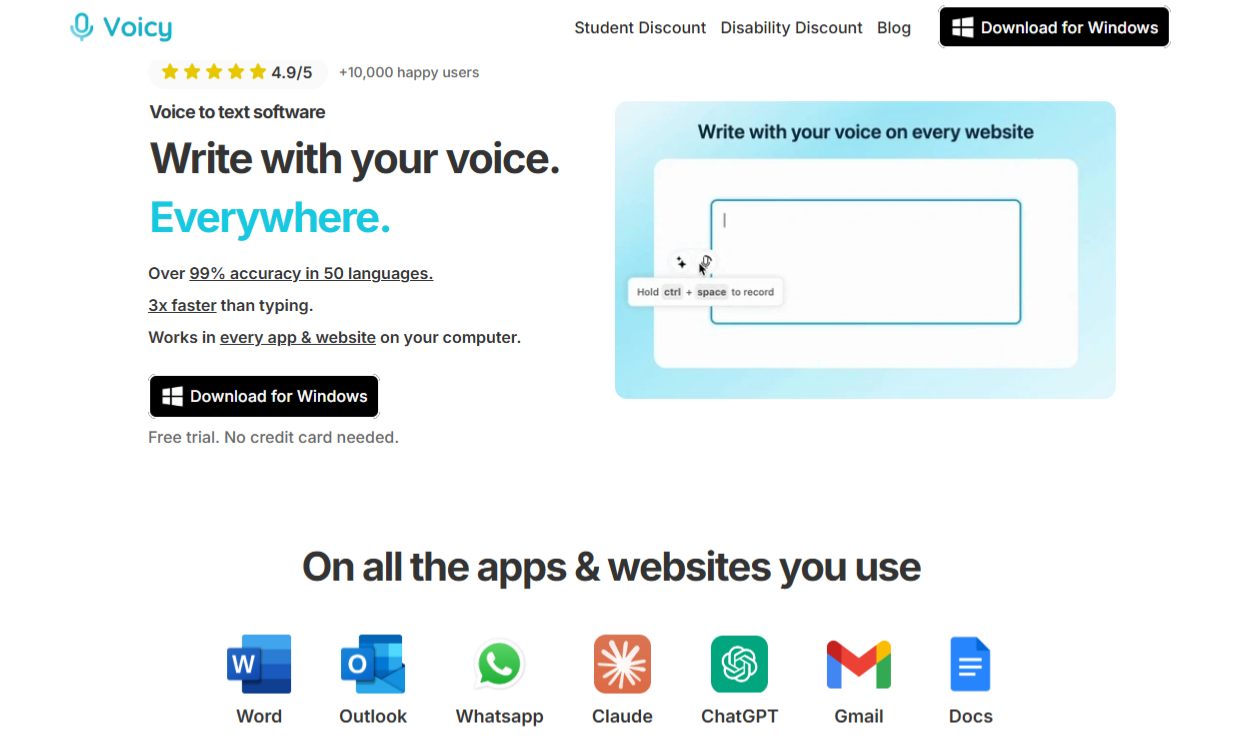
Voicy is a Windows speech-to-text application that lets you dictate instead of type, making everyday writing faster and more comfortable.
After a quick setup that takes around two minutes, you can start voice typing in almost any desktop program or website using a simple keyboard shortcut. The software suits professionals, students, content creators, and anyone who spends hours behind a keyboard.
Key highlights include:
- Works across websites and desktop applications, including email clients, word processors, browsers, and messaging apps.
- Supports more than 50 languages, making it useful for multilingual users.
- Claims 99%+ speech recognition accuracy for clear and reliable transcription.
- Converts your voice into text for emails, documents, reports, notes, blog posts, and messages.
- Follows a privacy-focused approach, so your transcripts stay accessible only to you rather than being shared with other users.
Key Features of Voicy
Voicy includes several practical features that make voice typing feel fast, accurate, and easy to use throughout your day.
Voice Typing Across Every App
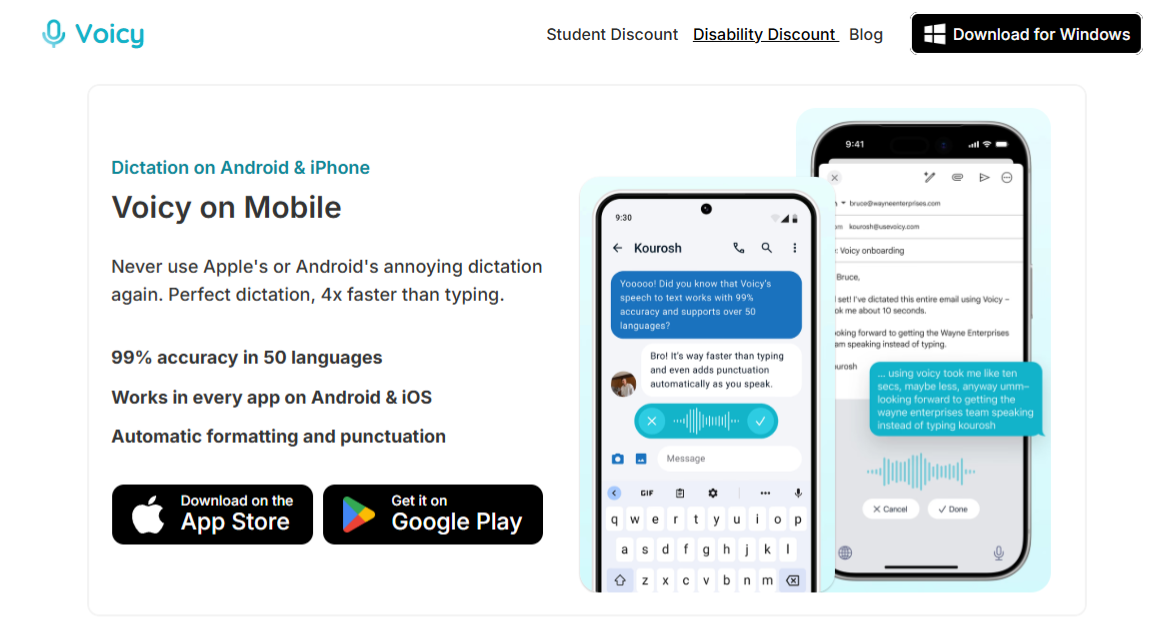
One of Voicy’s biggest strengths is its ability to work almost anywhere on your computer instead of limiting you to a single program. After a two-minute setup, you simply press your chosen keyboard shortcut to start or stop dictation.
You can use Voicy in:
- Web browsers for Google Docs, Gmail, Notion, LinkedIn, ChatGPT, and other websites.
- Desktop applications such as Microsoft Word, Outlook, Excel, Slack, Discord, and many other Windows programs.
- Long documents, reports, emails, meeting notes, and messages without constantly switching between your keyboard and microphone.
For anyone who writes thousands of words each week, speaking naturally often feels much faster than typing, especially during long writing sessions.
Automatic Punctuation
Many dictation tools leave you with a wall of text that needs extensive editing. Voicy reduces that extra work by automatically formatting your sentences as you speak.
Key benefits include:
- Adds periods where sentences naturally end.
- Places commas to improve readability.
- Recognizes question marks for questions.
- Creates paragraph breaks for more organized text.
- Produces cleaner documents that usually need only minor edits before they’re ready to send.
Automatic punctuation makes emails, reports, and notes look polished without forcing you to spend extra time fixing formatting.
Privacy and Security
Voicy puts a strong focus on protecting your information, which makes it a solid choice if you dictate confidential emails, business documents, or personal notes.
Highlights include:
- Privacy-first design built around user confidentiality.
- Your transcripts remain private instead of becoming visible to other users.
- Simple permissions that are easy to configure during setup.
- Suitable for professionals who regularly work with sensitive business or client information.
Multi-Language Support
Voicy isn’t limited to English, making it a practical option for users who communicate in multiple languages throughout the day.
It offers:
- Support for more than 50 languages.
- Claimed 99%+ recognition accuracy for supported languages.
- Popular options including English, German, French, Spanish, Portuguese, Mandarin, Dutch, Polish, Korean, Swedish, Danish, Czech, Finnish, and many more.
- Reliable performance for multilingual users who need to switch languages without changing software.
Voicy Pricing
Voicy offers flexible pricing that makes it easy to choose a plan based on how often you use voice typing.
| Plan | Price | Best For |
| Free Trial | 30 minutes | Testing the software |
| Pro | $8.49/month | Most users |
| Lifetime | $260 | Long-term savings |
| Teams | $6.79/user/month | Businesses (minimum 3 users) |
For most people, the Pro plan delivers the best balance between price and features. At $8.49 per month, you get unlimited access without committing to a higher one-time payment, which makes it a great choice for professionals, students, and anyone who relies on voice typing every day.
If you expect to use Voicy for several years, the Lifetime plan can save you money over time by removing recurring monthly fees. Before you subscribe, remember to use the EARTHWEB coupon code at checkout to receive 10% off your purchase.
What Makes Voicy Better Than Built-In Dictation?
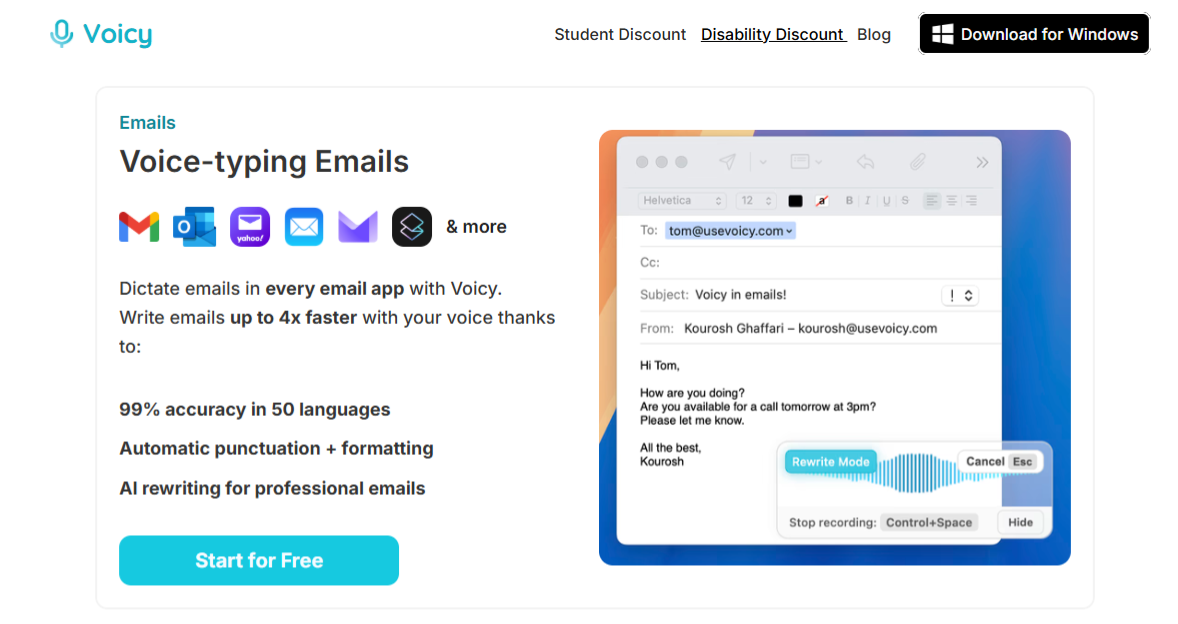
Voicy goes beyond basic voice typing by adding features that help you write faster, edit less, and stay productive throughout the day.
| Feature | Voicy | Apple Dictation | Windows Dictation |
| Accuracy | 99%+ | ~90% | ~90% |
| Automatic punctuation | Yes | No | No |
| Works across apps | Yes | Yes | Yes |
| Writing assistant | Yes | No | No |
| Priority support | Yes | No | No |
Built-in dictation tools work well for occasional voice typing, but they offer only the basics. Voicy adds higher claimed accuracy, automatic punctuation, a built-in writing assistant, and access to priority customer support, creating a smoother experience for people who dictate emails, reports, meeting notes, and other documents every day.
If voice typing is part of your daily workflow rather than an occasional convenience, Voicy delivers a more complete and polished solution.
Pros and Cons
Every tool has strengths and limitations, and Voicy delivers far more advantages than drawbacks for most users.
Pros
- 99%+ claimed speech recognition accuracy
- Supports more than 50 languages
- Works across websites and desktop applications
- Automatic punctuation reduces editing time
- Privacy-focused approach that keeps your transcripts private
- Quick setup that takes around two minutes
- Competitive pricing with flexible subscription options
Cons
- Available only for Windows
- Requires an internet connection because there is no offline mode
Frequently Asked Questions
Is Voicy Free To Use?
Voicy offers a 30-minute free trial, giving you enough time to test its features before choosing a paid plan.
How Accurate Is Voicy?
Voicy claims 99%+ speech recognition accuracy, making it suitable for emails, documents, notes, and other everyday writing tasks with minimal editing.
Does Voicy Work On Every Website?
Voicy works across most popular websites and Windows desktop applications, including browsers, email clients, document editors, and messaging platforms.
How Many Languages Does Voicy Support?
Voicy supports more than 50 languages, allowing you to dictate naturally in multiple languages without switching to another tool.
Can I Use The EARTHWEB Coupon Code On Voicy?
Yes.
You can use the EARTHWEB coupon code during checkout to receive 10% off your Voicy purchase.
Final Verdict
Voicy is an excellent choice for professionals, students, writers, and anyone who spends hours typing each day.
Its biggest strengths include high claimed accuracy, support for 50+ languages, automatic punctuation, and the ability to work across almost every website and Windows application.
Combined with its simple setup and competitive pricing, it delivers one of the most complete voice typing experiences currently available.
If you’re interested in working faster with less typing, start with the 30-minute free trial and use the EARTHWEB coupon code to save 10% on your subscription.