

Most lists in this category make the same mistake, and it costs readers money. They mix three completely different products together and call them all speech to text.
Those three jobs are not interchangeable. Dictation means you speak and words appear wherever your cursor is, right now, in any app.
Transcription means you hand over a recording you already made and get text back. Meeting notes means software joins your call, listens, and summarises afterwards.
Buy a meeting-notes tool when you wanted dictation and you will be disappointed, because it cannot type into your email.
Below, every entry is labelled with the job it actually does.
Best Voice-Dictation and Speech to Text Apps
At a Glance: For system-wide dictation, Voicy, Wispr Flow, superwhisper and Handy are the serious contenders. Apple and Google both give you competent dictation for free if you accept their limits.
Dragon remains the choice for professionals who need trained vocabulary. Otter is here for meeting notes, which is a different job entirely.
1. Voicy
Job: system-wide dictation. Best for covering every device you own.
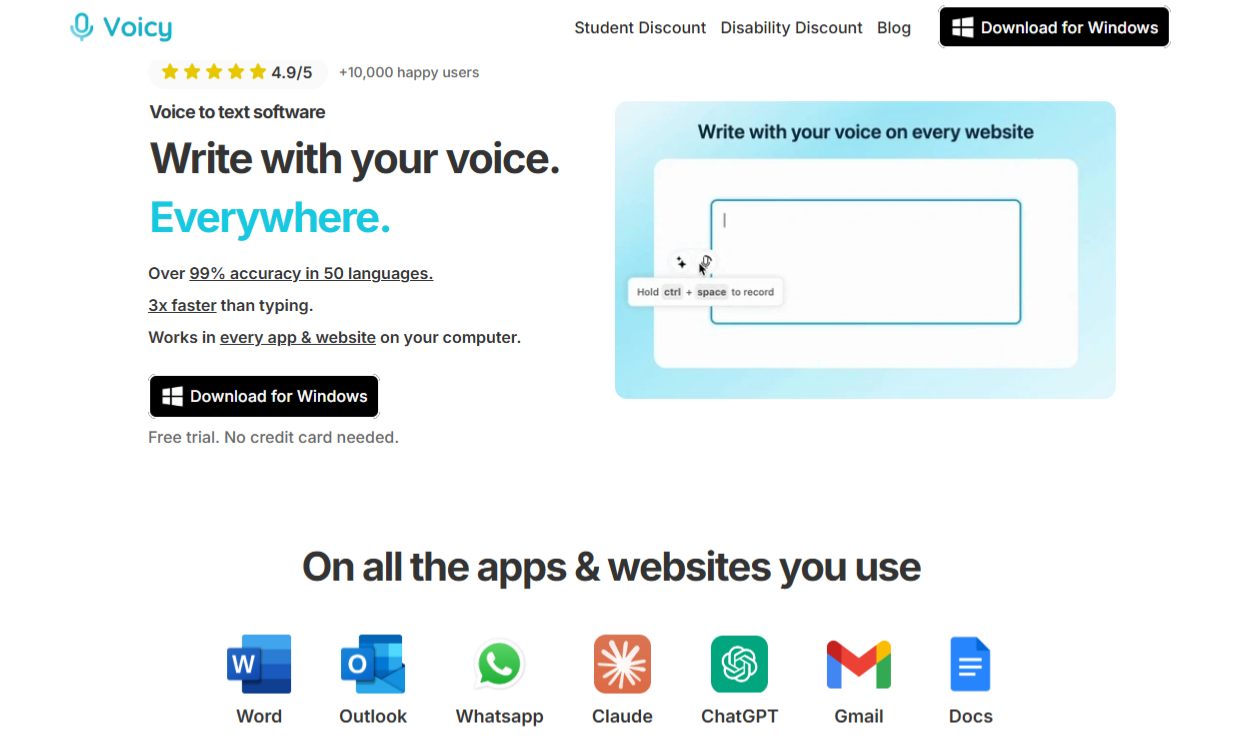
Voicy is the widest net in this list. Mac, Windows, Linux, a Chrome extension, and iOS and Android apps added in 2026.
Nothing else here covers that spread, and Linux support in particular is close to unheard of in this category.
What I find most interesting is who it was built for. The founder targeted an older, accessibility-first audience rather than the developer crowd most rivals chase, and that shows in the details.
There is a 20% disability discount offered with no questions asked, alongside a 20% student discount. Very few software companies do that quietly.
Key Features:
- Works in any text field across desktop, browser and mobile.
- More than 50 languages with automatic detection.
- Automatic punctuation and grammar cleanup, plus AI rewrite commands.
- A free tier giving 30 minutes of recording with full features and no card.
- A lifetime purchase option, which almost nobody else in this category offers.
Pricing: $8.49 a month on the annual plan, with a team rate of $6.79 per user on a three-seat minimum.
A lifetime licence is available, though the price differs between the website and the App Store listing, so check both before buying.
Pros: the broadest platform coverage here, a genuine lifetime option, thoughtful accessibility pricing, and a 4.7 out of 5 rating across more than 100 Chrome Web Store reviews.
Cons: processing happens in the cloud rather than on your device, and the headline accuracy figure is the company’s own claim rather than an independently tested one.
2. Wispr Flow
Job: system-wide dictation. Best for the cleanest output.
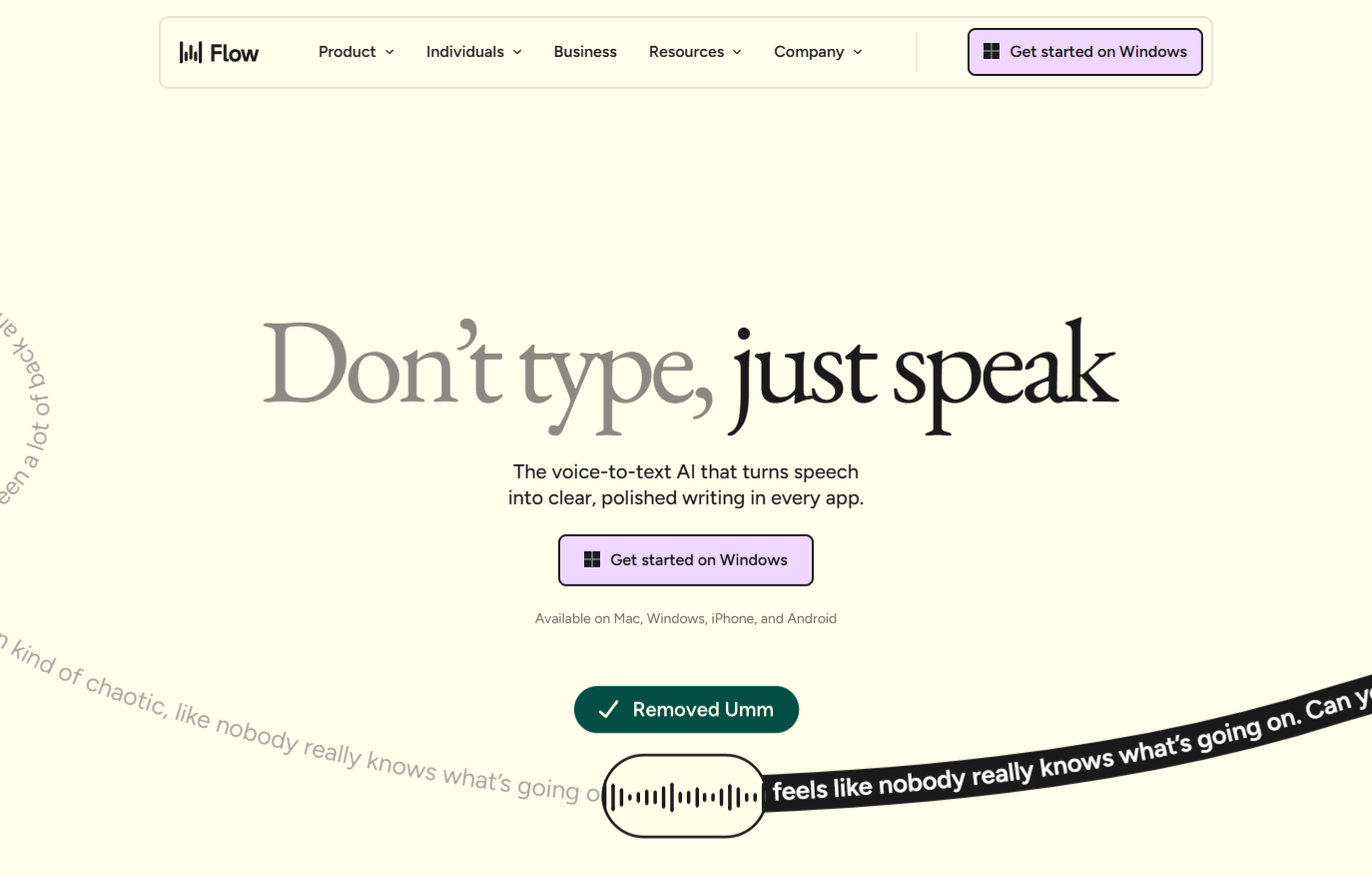
Wispr Flow’s real product is not transcription, it is editing. It strips filler words, fixes the moment you change your mind mid-sentence, and reformats what you said into what you meant.
If you have ever dictated a paragraph and then spent two minutes tidying it, that is the problem this solves.
It is also the best funded name in the category by a wide margin, having raised a reported $81 million.
Key Features:
- Automatic removal of filler words and self-corrections.
- Command mode for editing by voice rather than retyping.
- Developer-aware formatting that understands camelCase and snake_case.
- A personal dictionary and snippets, included even on the free plan.
- More than 100 languages.
Pricing: a free tier with a weekly word allowance, then Pro at $15 monthly or $12 on annual billing. Everyone gets a 14-day Pro trial with no card required.
Pros: the most sophisticated cleanup layer here, generous free tier, and HIPAA-ready on all plans.
Cons: the most expensive subscription in this comparison, and user sentiment across review platforms is mixed, so use the free trial properly before committing.
3. superwhisper
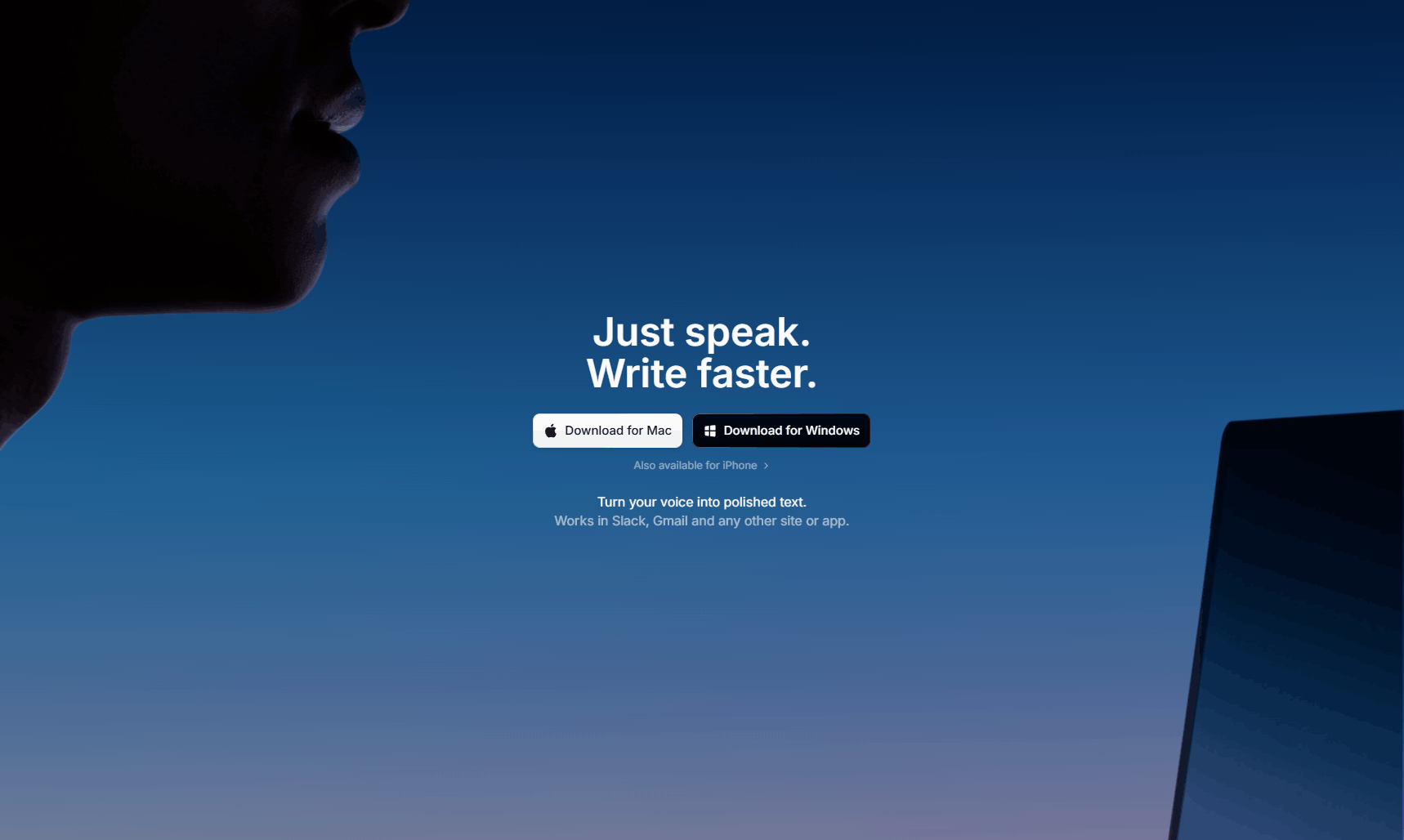
Job: dictation plus file transcription. Best for working offline.
This is the one to look at if you would rather your voice never left your machine. superwhisper runs Whisper Large locally, so dictation works on a plane, on hotel wifi, or anywhere you simply do not want audio going to a server.
Its other distinctive idea is modes. You set up presets for different contexts, formal writing, casual messages, code, and switch between them, so the same spoken sentence comes out formatted appropriately.
Key Features:
- Genuine offline operation with local processing.
- Switchable modes for tone and formatting.
- Optional routing through cloud models when you want them.
- Also transcribes uploaded audio and video files.
- More than 100 languages and dialects, with translation to English.
Pricing: free for core local dictation after a 15-minute taste of the Pro features, then $8.49 monthly or $84.99 annually. A lifetime licence is available at $249.99, and there is a 30-day refund window plus a 40% student discount.
Pros: real offline capability, the most flexible formatting system here, and a refund policy that most rivals do not match.
Cons: no Android version, and local processing runs slower on older Intel Macs.
4. MacWhisper
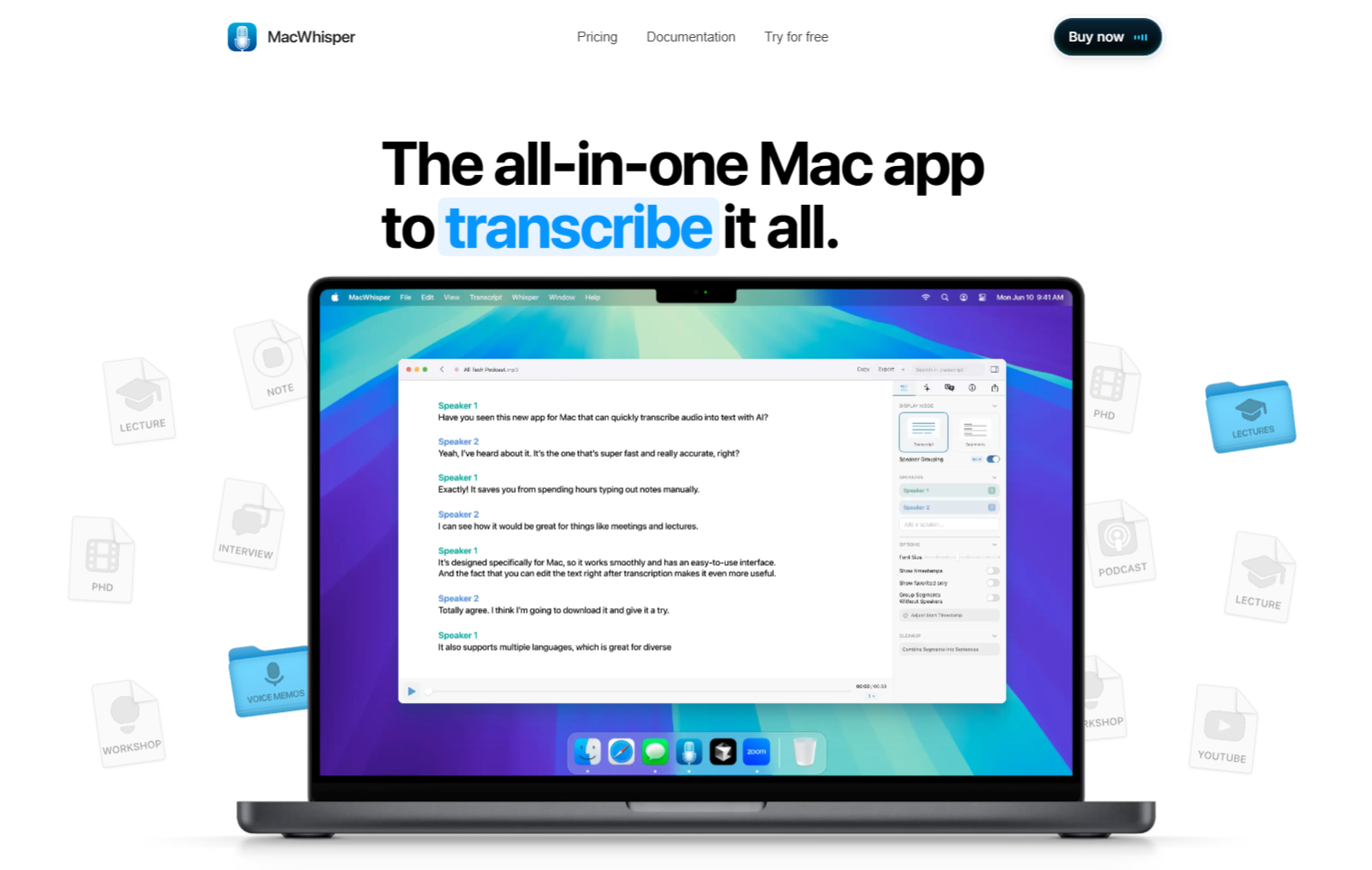
Job: dictation plus file transcription. Best one-time purchase.
If subscriptions annoy you and you are on a Mac, this is your answer. MacWhisper was one of the first apps to run Whisper locally, and it does both jobs: live dictation and transcribing recordings you already have.
Everything runs on your machine by default, so there is no cloud dependency at all unless you deliberately add one by supplying your own API key.
Key Features:
- Whisper and Nvidia Parakeet models running locally.
- Handles both live dictation and existing audio or video files.
- Optional bring-your-own-key support for cloud providers.
- More than 100 languages.
- A one-time price rather than a subscription.
Pricing: a free tier plus a one-time Pro licence, with discounts for students, journalists and nonprofits. Note that the direct download and the Mac App Store version are sold as separate products at different prices, so compare both.
Pros: the strongest privacy position here, no recurring cost, and it covers two jobs rather than one.
Cons: Mac only, and be careful which site you download from, since impersonation sites exist for this one.
5. Handy
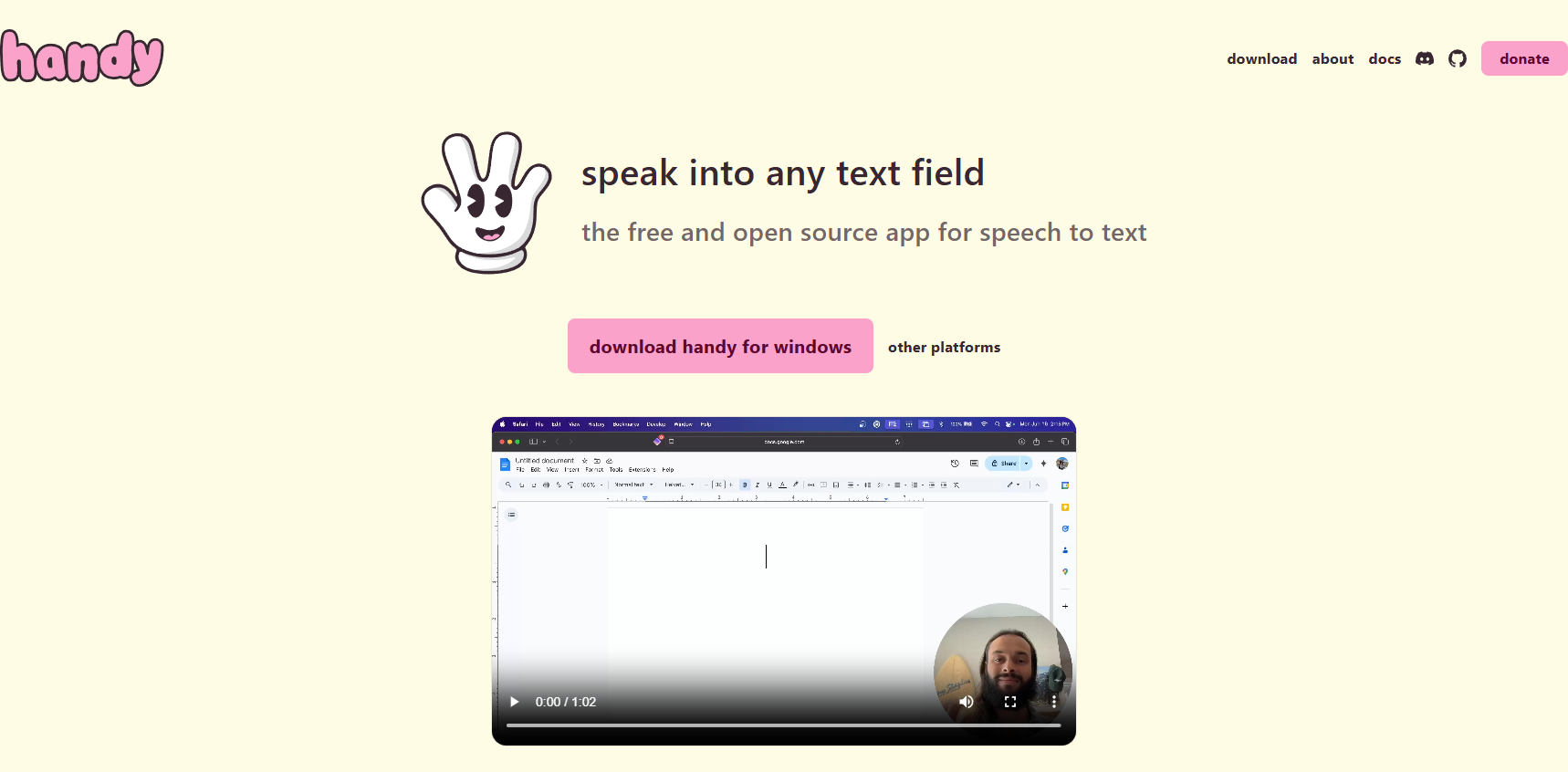
Job: system-wide dictation. Best free option that respects your privacy.
Handy is open source, genuinely free with no paid tier at all, and runs entirely offline. It was built by a developer after a hand injury made typing painful, which tells you something about the priorities behind it.
With nearly 28,000 stars on GitHub it has by far the largest community of any open-source option in this space, which matters for a free tool because it means bugs actually get fixed.
Key Features:
- Completely free, with no subscription, no account and no upsell.
- Runs on Mac, Windows and Linux.
- A choice of Whisper model sizes or Nvidia Parakeet.
- Fully offline, with GPU acceleration where your hardware supports it.
- MIT licensed, so you can inspect exactly what it does.
Pros: costs nothing, sends nothing anywhere, works on all three desktop platforms, and has a large active community.
Cons: you install and configure it yourself, and there is no support desk to call if something breaks.
6. Apple Dictation
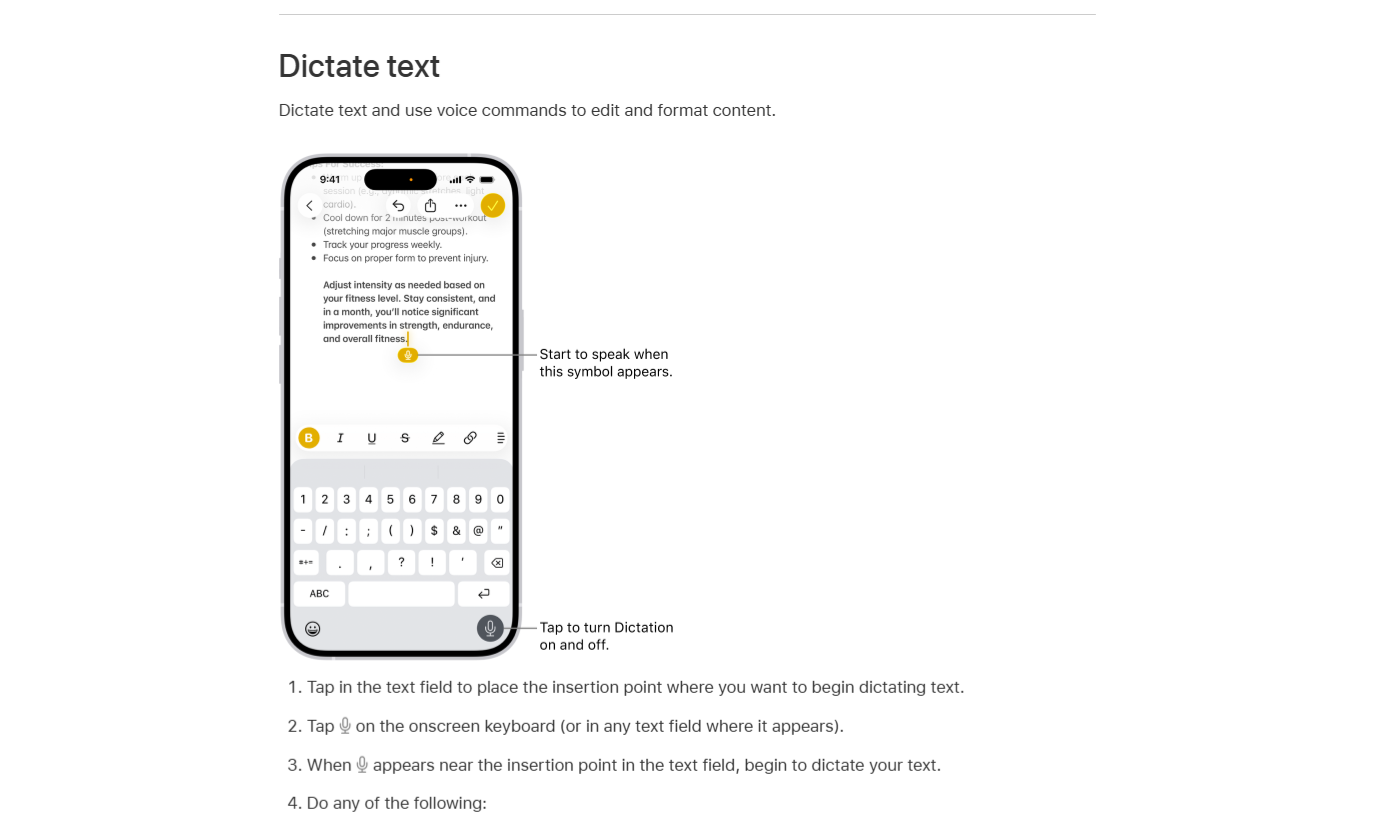
Job: system-wide dictation. Best free option on Apple hardware.
Already on your Mac and iPhone, already free, and better than most people assume. On Apple Silicon Macs it processes on-device for supported languages, which means it works without an internet connection and your audio never leaves the machine.
There is also a meaningful upgrade arriving. Apple’s newest dictation system runs on a considerably more capable on-device model with noticeably better punctuation and capitalisation, though at launch it is limited to the newest iPhone hardware and is not switched on by default.
Key Features:
- Built into macOS, iOS and iPadOS at no cost.
- On-device processing on Apple Silicon for supported languages.
- Works in any text field system-wide.
- Around 50 languages with regional variants.
Pros: free, private on modern hardware, and there is nothing to install.
Cons: Intel Macs fall back to cloud processing, on-device language support is narrower than the full language list, and it has no AI cleanup layer.
7. Google Voice Typing and Gboard
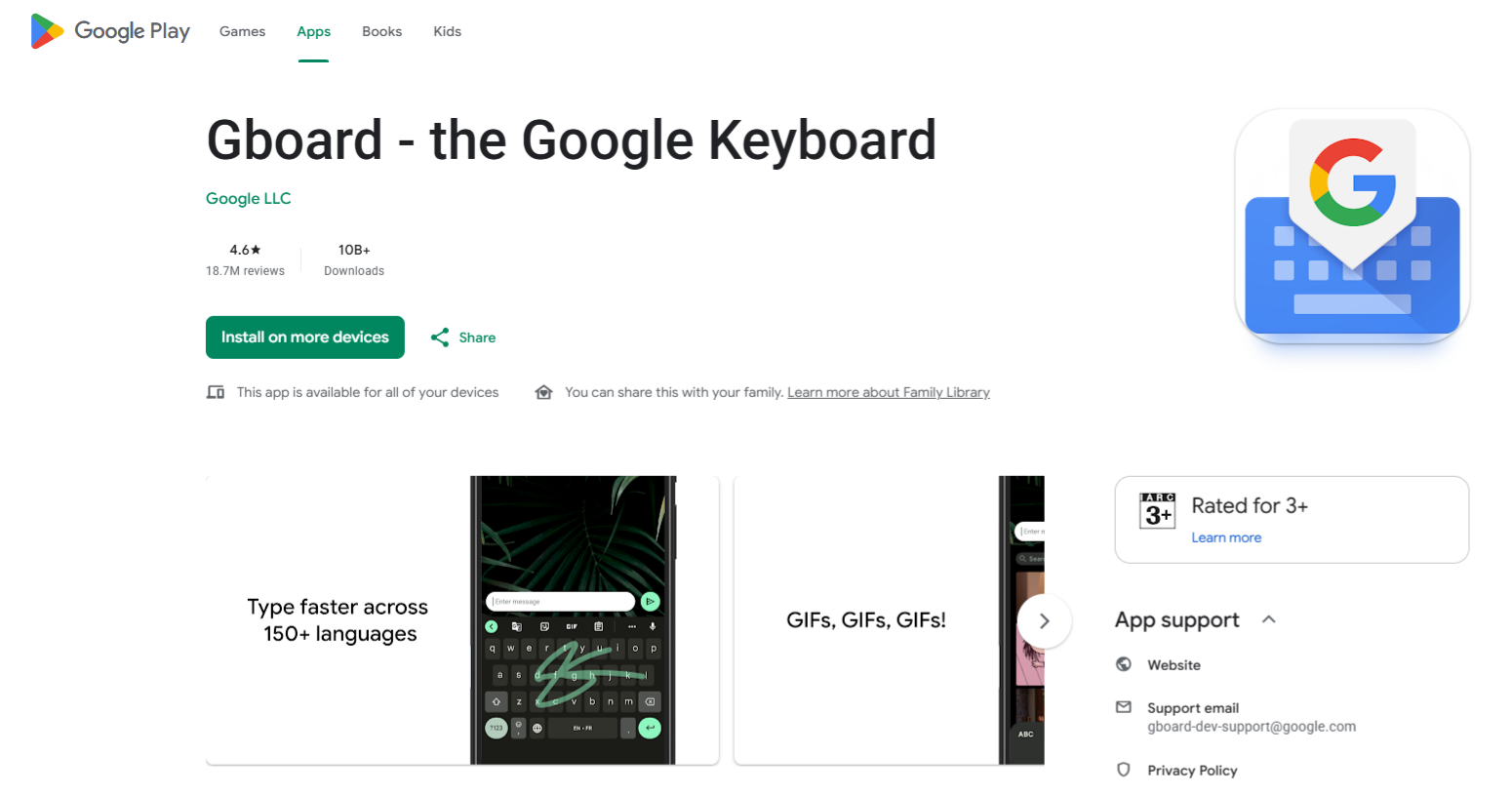
Job: system-wide dictation on Android, document dictation in a browser.
Two related things worth separating. Gboard’s microphone gives you dictation anywhere on Android.
Google Docs voice typing works in Chrome, Edge and Safari, but only inside a Google document, and not in Firefox at all.
The Android side has a genuinely useful offline mode with downloadable language packs, which is easy to miss because it is buried in settings.
Key Features:
- Free with a standard Google account.
- More than 120 languages and regional variants.
- Offline speech recognition on Android via downloadable packs.
- Voice commands for formatting, though those work in English only.
Pros: the widest language coverage of anything here, completely free, and offline capable on Android.
Cons: the Docs feature only works inside Docs, and Google may invite you to donate audio samples, which is a different data posture from the paid tools that promise no training on your voice.
8. Dragon Professional
Job: professional dictation. Best for specialist vocabulary.
Dragon is the old guard, and it earns its place for one reason: nothing else here matches its custom vocabulary training and voice command control.
If you dictate clinical notes or legal documents full of terms consumer tools mangle, this is built for exactly that.
Be clear about two things going in. It is Windows only, since the Mac version was discontinued years ago.
And it is a professional purchase, priced accordingly at several hundred dollars one-time through resellers rather than listed openly on the product page.
Key Features:
- Deep custom vocabulary and profile training.
- Voice commands for controlling applications, not just entering text.
- Specialist Legal and Medical editions with prepared dictionaries.
- A one-time licence rather than a subscription.
Pros: unrivalled for specialist terminology, mature and stable, and a genuine productivity tool for document-heavy professions.
Cons: Windows only, expensive, and the advertised accuracy assumes you invest time in training it first.
9. Otter.ai
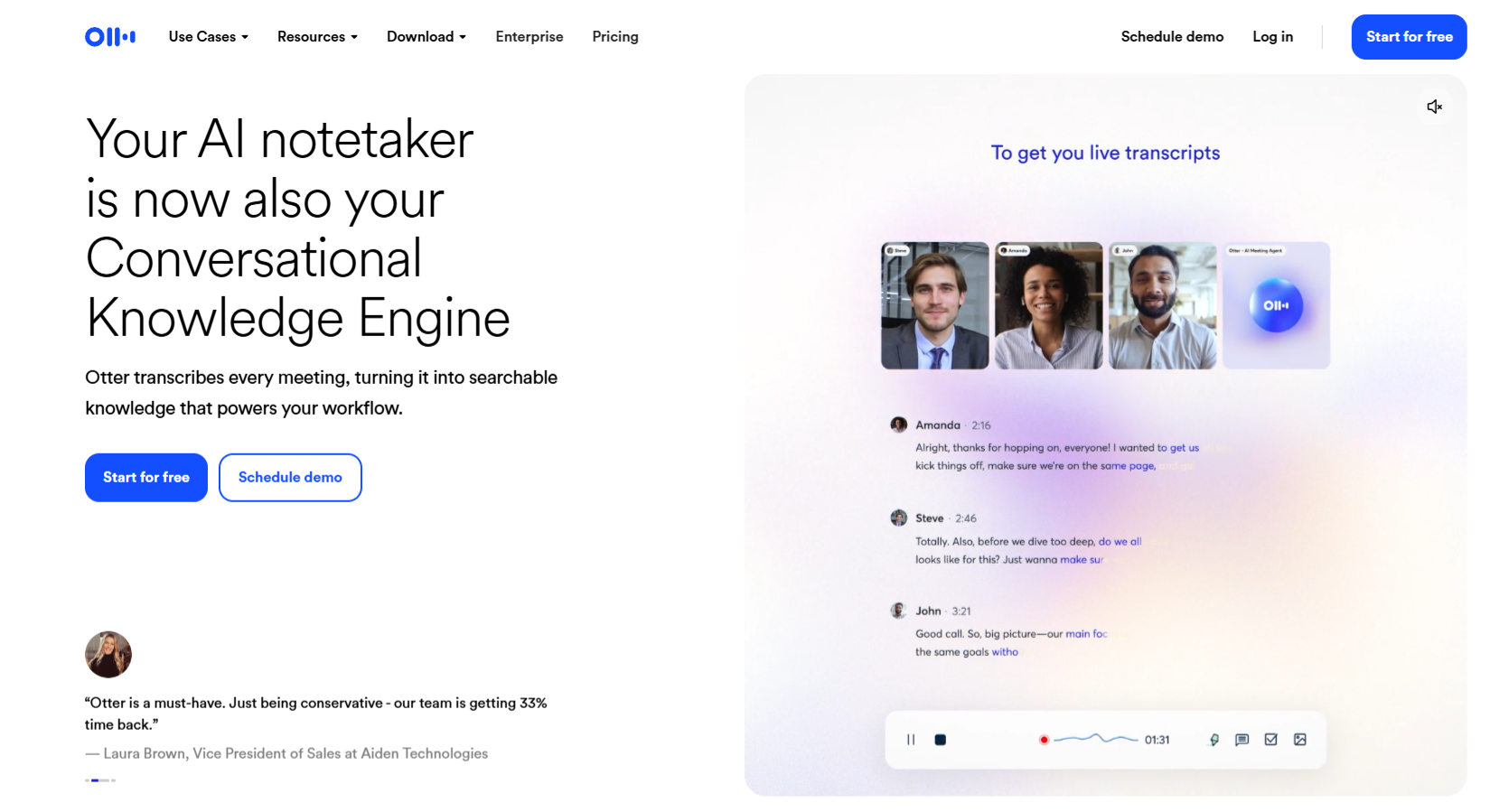
Job: meeting notes. A different job from everything above.
Included deliberately, and labelled clearly. Otter does not type into your email. It joins your Zoom, Teams or Google Meet call, records it, transcribes it with speaker labels, and summarises it.
If what you actually need is a record of meetings rather than a way to write faster, this is the strongest option here and none of the dictation tools above will do the job.
Key Features:
- Automatically joins and records calls on the major platforms.
- Speaker identification that improves as it hears people repeatedly.
- AI chat across your transcripts to find things later.
- Integrations with Salesforce, HubSpot and Zapier.
Pricing: a free tier with 300 minutes a month, then Pro at $16.99 monthly or $8.33 per user on annual billing, with Business above that.
Pros: the best meeting-notes tool in this comparison, strong integrations, and a usable free tier.
Cons: it is not a dictation app, and its language list is shorter than the dictation-focused tools.
Quick Comparison
| App | Job it does | Platforms | Price from | Processing |
| Voicy | Dictation | Mac, Windows, Linux, Chrome, iOS, Android | $8.49/mo | Cloud |
| Wispr Flow | Dictation | Mac, Windows, iOS, Android | Free, $12/mo | Cloud |
| superwhisper | Dictation + files | Mac, Windows, iOS | Free, $8.49/mo | Local or cloud |
| MacWhisper | Dictation + files | Mac only | One-time | Local |
| Handy | Dictation | Mac, Windows, Linux | Free, open source | Local |
| Apple Dictation | Dictation | Mac, iOS, iPadOS | Free | On-device or cloud |
| Google Voice Typing | Dictation | Android, Chrome, Edge, Safari | Free | Cloud, offline on Android |
| Dragon Professional | Dictation | Windows only | One-time | Local |
| Otter.ai | Meeting notes | Web, Mac, Windows, iOS, Android | Free, $8.33/user/mo | Cloud |
How to Choose
Start by naming the job, because that eliminates most of this list immediately.
If you want to write faster, you want dictation, and your shortlist is Voicy, Wispr Flow, superwhisper or Handy. Voicy if you move between several operating systems or want a one-time purchase option.
Wispr Flow if you want the cleanest output and do not mind paying most. superwhisper if you want offline processing with formatting control. Handy if you want to pay nothing at all.
If privacy is the deciding factor, the question is whether audio leaves your device. Handy, MacWhisper and superwhisper all process locally. Apple Dictation does too on Apple Silicon.
Voicy and Wispr Flow are cloud services that promise not to retain or train on your audio, which is a policy commitment rather than a technical guarantee.
If you have specialist vocabulary, Dragon is still the answer, and the price reflects a professional tool rather than a consumer one.
If you need meeting records, Otter, and do not expect it to help you write.
One last note on accuracy claims. Almost every vendor here advertises a figure in the high nineties, and almost none of them publish a methodology.
Treat those numbers as marketing rather than measurement, and judge on a free trial with your own voice, your own accent and your own vocabulary.
Every product on this list has a free tier or trial, so this costs you nothing but an afternoon.
Frequently Asked Questions
What Is The Difference Between Dictation And Transcription?
Dictation converts your speech to text live, wherever your cursor is, so you can write in any app.
Transcription takes an existing recording and turns it into text afterwards.
Meeting-notes tools are a third category that joins calls and summarises them.
Most disappointment in this category comes from buying one when you needed another.
Which Voice-Dictation App Works On Linux?
Voicy and Handy are the two here with Linux support.
Voicy offers Ubuntu, Debian, Fedora and AppImage installers, while Handy is open source and cross-platform.
Most competitors are Mac and Windows only.
Can Voice Dictation Work Without An Internet Connection?
Yes, with the right tool.
Handy, MacWhisper and superwhisper all run models locally, and Apple Dictation processes on-device on Apple Silicon for supported languages.
Android also has an offline mode with downloadable language packs.
Cloud-based tools need a connection.
Is Free Voice Dictation Good Enough?
For many people, yes.
Apple Dictation and Google voice typing are both competent and cost nothing, and Handy is free and offline.
What you pay for with the premium tools is the cleanup layer that removes filler words and formats your output, which saves editing time rather than improving raw recognition.
Are The Accuracy Percentages These Apps Advertise Reliable?
Treat them cautiously.
Most published figures are vendor marketing without a disclosed methodology or independent testing.
Accuracy varies enormously with your accent, microphone, background noise and vocabulary, so a free trial with your own voice tells you more than any advertised number.
Which App Is Best For Professionals With Specialist Vocabulary?
Dragon Professional, which offers custom vocabulary training and voice command control built for medical and legal dictation.
It is Windows only and sold as a one-time professional licence, so it costs considerably more than the consumer tools here.