


Let’s get one thing straight from the start: monitoring someone’s Snapchat account without proper authorization is illegal. But here’s what’s perfectly legal and often necessary—parents keeping tabs on their children’s digital activities to ensure their safety online. With Snapchat being one of the most popular apps among teens and pre-teens, understanding how to monitor your child’s activity legally and effectively has become a crucial parenting skill. Snapchat’s disappearing message feature, while innovative, creates unique challenges for parents.
Messages vanish, photos disappear, and potentially dangerous interactions can happen without leaving traditional digital traces. This is where legitimate parental monitoring becomes not just helpful, but essential for child safety. In this comprehensive guide, we’ll walk you through everything you need to know about legal Snapchat monitoring—from understanding your rights as a parent to implementing effective monitoring solutions that work. We’ll also cover ways to hack someone’s Snapchat, technical aspects, legal boundaries, and practical steps to protect your children without violating anyone’s privacy rights.
Top Apps to Hack Someone’s Snapchat in 2026

The best way to hack somebody’s Snapchat account without having the target password is with these two special hacking tools.
- Spynger – Advanced phone monitoring tool for tracking calls, messages, and activities discreetly.
- xMobi – Powerful mobile spy software for real-time monitoring and data tracking.
1. Spynger – The Ultimate Snapchat Monitoring Tool
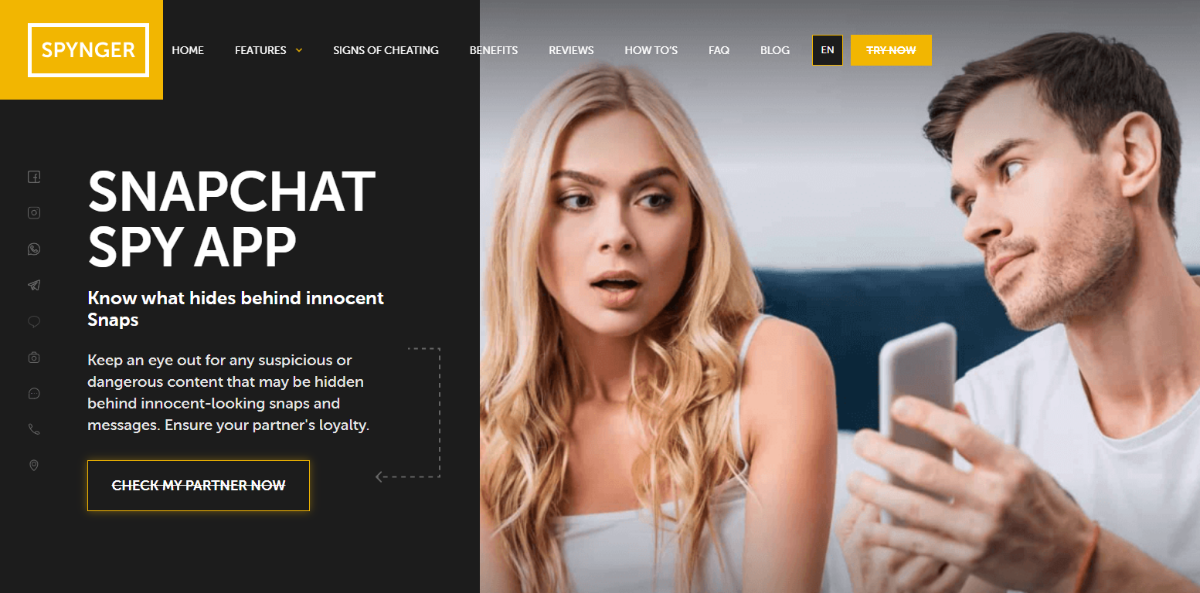
If you need a reliable, easy-to-use Snapchat monitoring app, Spynger is a top-tier choice. It allows you to track messages, see media, and even log keystrokes—all without needing the Snapchat password.
Whether you want to keep an eye on a child’s online activity or ensure your account security, Spynger gives you full control.
Why Spynger?
- Stealth Mode Operation – Spynger runs in the background, so the target won’t know they’re being monitored.
- View Snapchat Messages – Get full access to sent and received messages.
- See Photos & Videos – Monitor all shared media, even if it’s deleted.
- Keylogger Feature – Record every keystroke, including login details.
- Real-Time Alerts – Get notified about new messages and activity.
- Works on iOS and Android – Compatible with most smartphones.
Step-by-Step Spynger Setup Guide

Step 1: Account Creation and Plan Selection
- Visit the official Spynger website (spynger.com) using your computer or smartphone.
- Click “Get Started” and create your parent account using a secure email address.
- Choose your monitoring plan based on the number of devices you need to monitor: Single Device Plan: $29.99/month for one device. Family Plan: $49.99/month for up to 3 devices. Extended Family Plan: $69.99/month for up to 5 devices.
- Complete the payment process using a secure payment method.
Step 2: Device-Specific Installation
For Android Devices:
- On your child’s Android device, open Settings → Security → Unknown Sources (or Apps → Special Access → Install Unknown Apps on newer versions).
- Enable installation from unknown sources temporarily.
- Download the Spynger APK from the secure link provided in your welcome email.
- Install the APK by tapping on the downloaded file.
- Open the Spynger app and enter the activation code from your parent dashboard.
- Grant all requested permissions, including: Accessibility Services (essential for monitoring). Device Administrator rights. Storage access for screenshot capture. Location services for GPS tracking.
- Enable “Hide App Icon” in the Spynger settings to run in stealth mode.
- Disable unknown sources installation to maintain device security.
For iOS Devices:
- Ensure the target iPhone is connected to Wi-Fi.
- From your parent dashboard, generate an iOS configuration profile.
- On the iPhone, visit the provided secure URL using Safari (other browsers won’t work).
- Download and install the configuration profile when prompted.
- Go to Settings → General → Profiles & Device Management.
- Tap on the Spynger profile and select “Trust.”
- Enter the device passcode when prompted.
- Return to your parent dashboard to verify the connection.
Step 3: Configuration and Monitoring Setup
- Log in to your Spynger parent dashboard from any web browser.
- Configure monitoring preferences: Set screenshot frequency (recommended: every 30 seconds during app usage). Enable keyword alerts for concerning terms. Set up location-based notifications. Configure time-based monitoring (e.g., school hours, bedtime).
- Customize Snapchat-specific monitoring: Enable message content capture. Set up contact monitoring for unknown users. Activate media file detection. Configure alert thresholds for concerning activity.
2. xMobi – The Most Advanced Snapchat Tracking App
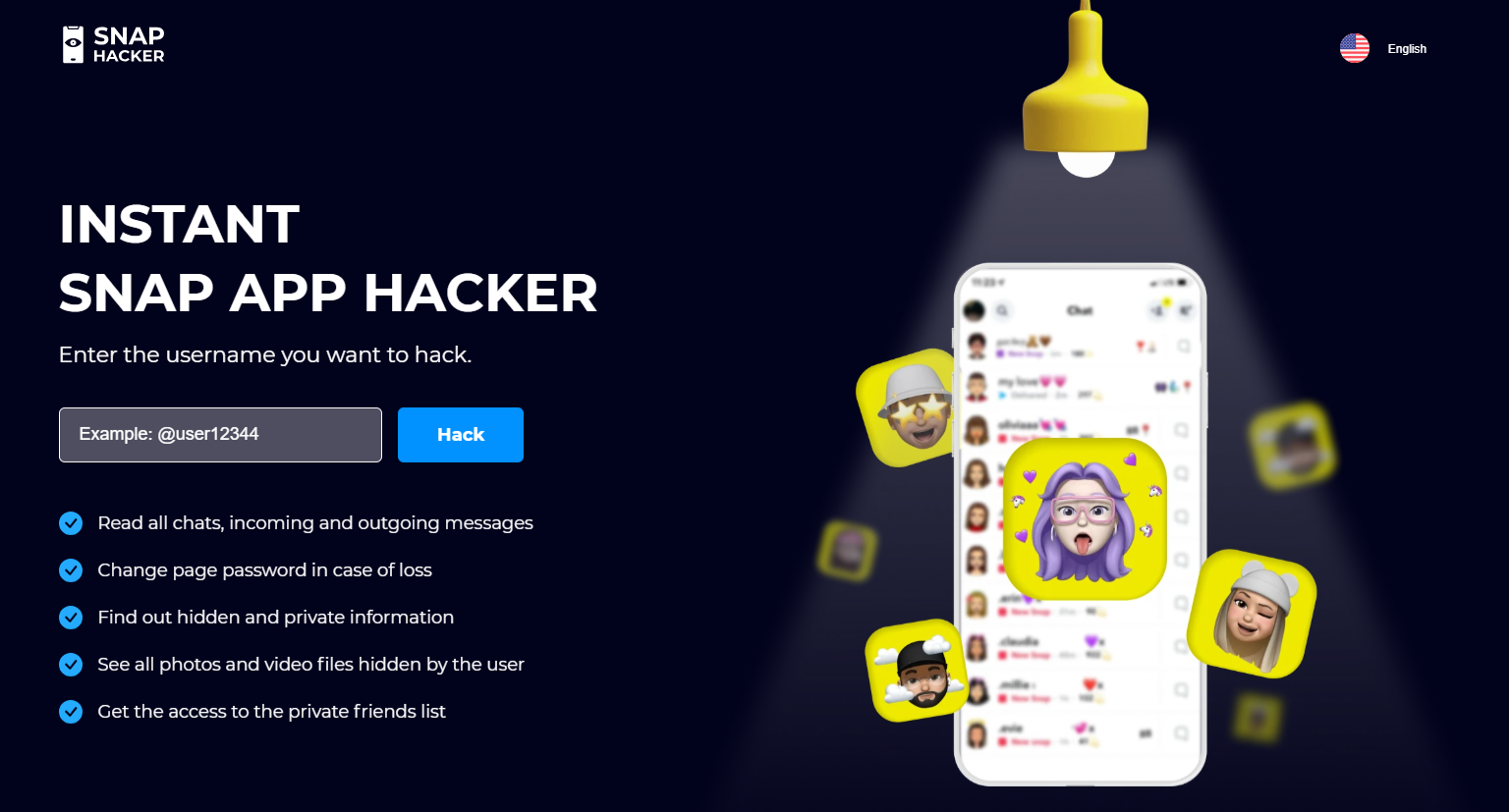
xMobi is another excellent option for hacking Snapchat without a password. This app provides real-time access to messages, media, and login credentials through an advanced keylogging system.
Unlike other tools, xMobi offers screenshot capture, giving you a visual history of Snapchat activity.
Why xMobi?
- Live Snapchat Monitoring – Track messages, snaps, and stories as they happen.
- Screenshot Capture – Take real-time snapshots of Snapchat sessions.
- Keylogger Feature – Records every keystroke, including login details.
- Stealth Mode – Completely undetectable on the target device.
- Works on Android & iOS – Compatible with most smartphones and tablets.
Step-by-Step xMobi Setup Guide

Step 1: Account Setup and Device Preparation
- Visit xMobi’s official website and create a parent account.
- Select your subscription plan: 1-Month Plan: $49.99/month for standard monitoring. 3-Month Plan: $29.99/month with certain features available to Android and/or iOS. 12-Month Plan: $12.49/month with real-time alerts and advanced reporting for both iOS and Android devices.
- Download the appropriate installer for your child’s device operating system.
Step 2: Installation Process
For Android:
- Enable Developer Options on the target device: Go to Settings → About Phone → Build Number. Tap Build Number seven times to enable developer mode. Return to Settings → Developer Options → USB Debugging (enable).
- Install the xMobi APK following similar steps to Spynger.
- Grant additional permissions specific to xMobi: Screen capture permissions. Overlay permissions for real-time monitoring. Storage access for image analysis.
- Configure screenshot frequency and quality settings.
For iOS:
- Install the xMobi configuration profile using the same process as Spynger.
- Enable Screen Recording permissions in Settings → Privacy & Security.
- Set up automatic backup to ensure captured content is preserved.
Step 3: Advanced Configuration
- Access your xMobi dashboard and configure AI-powered content analysis.
- Set up custom keyword monitoring for Snapchat-specific concerns.
- Configure image recognition settings to identify inappropriate visual content.
- Establish alert thresholds for different types of concerning activity.
- Set up automated reports to receive daily or weekly summaries.
Other Ways to Hack Snapchat With No Password Access
While Spynger and xMobi offer the most reliable and legal ways to monitor Snapchat, there are alternative methods, though they come with limitations.
1. Resetting the Password via Email or SMS
If you have access to the target’s email or phone, you can try resetting their Snapchat password.
- Go to the Snapchat login page and click “Forgot Password.”
- Choose email or phone verification to receive a reset link.
- Follow the link and set a new password to regain access.
This method works only if you have access to the person’s email or phone.
2. Using a Keylogger App
A keylogger records every keystroke typed on a device, including usernames and passwords. Apps like Spynger and xMobi have built-in keyloggers, but you can also install a standalone keylogger app to capture Snapchat login details.
3. Phishing Attacks (Difficult & Risky)
Hackers sometimes use fake Snapchat login pages to steal credentials. They send a link that looks like Snapchat’s official site, tricking users into entering their details. However, this method is hard to pull off and not recommended, as Snapchat has strong security measures to detect phishing.
4. Session Hijacking (Advanced Method)
Session hijacking, or cookie stealing, lets hackers take over an active Snapchat session without knowing the password. This method requires technical skills and access to the same Wi-Fi network as the target. Since Snapchat encrypts its data, hijacking a session is challenging and not recommended for everyday users.
Alternative Approaches to Direct Monitoring

Sometimes, the most effective parental supervision doesn’t involve sophisticated monitoring software. These alternative approaches can be equally effective while maintaining trust and open communication.
1. Open Communication Strategies
The Family Media Agreement Approach
Creating a comprehensive family media agreement establishes clear expectations and consequences while involving your child in the rule-making process:
- Collaborative Rule Setting: Involve your child in creating rules about Snapchat usage, including appropriate content, time limits, and consequences for violations.
- Regular Check-ins: Schedule weekly conversations about online experiences, both positive and negative.
- Transparency: Explain why certain restrictions exist and how they protect your child’s safety and privacy.
- Trust Building: Start with less restrictive monitoring and gradually increase freedom as your child demonstrates responsible behavior.
Educational Approaches
- Digital Literacy Training: Teach your child about online privacy, the permanence of digital content, and how to recognize and report inappropriate behavior.
- Consequence Education: Help your child understand how social media activity can affect future opportunities, relationships, and reputation.
- Peer Pressure Discussion: Discuss common social media pressures and provide strategies for handling difficult situations.
2. Router-Level Monitoring and Control
Your home internet router provides another layer of monitoring and control that doesn’t require installing software on your child’s device:
Advanced Router Configuration
- Access Router Admin Panel: Type your router’s IP address (usually 192.168.1.1 or 192.168.0.1) into a web browser.
- Enable Parental Controls: Most modern routers include built-in parental control features.
- Configure Device-Specific Rules: Set up rules specifically for your child’s devices: Time-based access controls (no internet after bedtime). Website and app blocking during homework hours. Bandwidth throttling to encourage offline activities.
- Monitor Network Traffic: Use router logs to see when and how much data your child’s device uses for Snapchat.
DNS-Level Filtering
Configure your router to use family-safe DNS services:
- OpenDNS Home: Provides customizable filtering categories and detailed usage reports.
- Circle Home Plus: Offers advanced time controls and content filtering.
- Disney Circle: Family-focused filtering with age-appropriate categories.
3. Professional and Educational Resources
Sometimes parental monitoring needs to be supplemented with professional guidance:
When to Seek Professional Help
- Your child exhibits concerning behavioral changes related to social media use.
- You discover evidence of cyberbullying, either as a victim or a perpetrator.
- Your child has been exposed to inappropriate content or contacted by strangers.
- Traditional monitoring and communication strategies aren’t effective.
Educational Resources
- Common Sense Media: Provides age-appropriate guidelines and reviews for social media platforms.
- ConnectSafely: Offers practical tips and resources for parents navigating social media safety.
- National Center for Missing & Exploited Children: Provides resources for parents dealing with online predators and inappropriate contact.
Understanding the Legal Framework: Your Rights and Responsibilities
Before diving into monitoring methods, let’s establish the legal foundation that makes parental monitoring both legitimate and necessary.
When Snapchat Monitoring Is Legal
Parental monitoring of Snapchat is legal under these specific conditions:
- Device Ownership: You own the device your child is using. This includes phones you’ve purchased, tablets registered under your name, or any device on your family plan. Ownership gives you the legal right to monitor activity on that device.
- Parental Authority: You’re the legal parent or guardian of a minor child (under 18 in most jurisdictions). This parental authority extends to digital supervision, just like physical supervision.
- Guardian Consent: If you’re a legal guardian, you have the same monitoring rights as biological parents. This includes step-parents with legal custody, foster parents, and court-appointed guardians.
- Household Rules: You’ve established clear household rules about device usage and digital behavior. While not legally required, having explicit agreements strengthens your position and makes monitoring more effective.
When Monitoring Becomes Illegal
Understanding the boundaries is crucial to avoid legal complications:
- Adult Children: Once your child reaches 18 (or the age of majority in your jurisdiction), they become legal adults. Monitoring their accounts without explicit consent becomes illegal, regardless of device ownership.
- Other People’s Devices: Installing monitoring software on devices you don’t own, even if your child uses them occasionally, is illegal. This includes friends’ phones, school devices, or borrowed equipment.
- Spying on Partners: Using parental monitoring tools to spy on spouses, romantic partners, or other adults is illegal domestic surveillance, regardless of your relationship status.
- Employee Monitoring Without Consent: Even if you own company devices, most jurisdictions require explicit employee consent and clear policies before monitoring personal app usage.
International Considerations
Different countries have varying laws regarding digital privacy and parental rights:
- European Union: Under GDPR, parental monitoring is generally permitted for children under 16, but some member states set different age limits. Always check your specific country’s regulations.
- United States: The Computer Fraud and Abuse Act (CFAA) allows parental monitoring of owned devices, but state laws may vary. Some states require both parents’ consent for monitoring if they share custody.
- Canada: The Personal Information Protection and Electronic Documents Act (PIPEDA) includes exceptions for parental supervision of minors.
- Australia: The Privacy Act allows reasonable parental monitoring, but the definition of “reasonable” depends on the child’s age and circumstances.
Why Traditional Snapchat Security Isn’t Enough
Snapchat markets itself as a secure platform, and in many ways, it is. The app uses end-to-end encryption for direct messages, automatically deletes most content after viewing, and has implemented various safety features. However, these security measures, while protecting against external threats, can make parental supervision more challenging.
The Disappearing Content Challenge
Snapchat’s core feature—disappearing messages—creates a false sense of security. While content may disappear from the app interface, several concerning issues remain:
- Screenshot Notifications Aren’t Foolproof: While Snapchat notifies users when someone screenshots their content, there are numerous workarounds. Users can take photos with another device, use screen recording software, or employ specialized apps to capture content without triggering notifications.
- Saved Content: Users can save messages and media within chats, creating permanent records that parents might never see. Additionally, content can be saved to “Memories” within Snapchat, essentially creating a private photo album.
- Third-Party Integration: Snapchat allows integration with various third-party apps and services.
Content shared through these integrations may not follow Snapchat’s deletion policies, creating permanent records elsewhere.
Privacy vs. Safety: The Parental Dilemma
Modern parents face an unprecedented challenge: balancing their children’s growing need for digital privacy with legitimate safety concerns. Snapchat’s design philosophy prioritizes user privacy, which can conflict with parental supervision needs.
- Age-Inappropriate Content: Despite Snapchat’s terms requiring users to be at least 13, younger children frequently create accounts. The platform’s content, including Discover channels and user-generated content, isn’t always appropriate for young teens.
- Stranger Danger 2.0: Snapchat’s “Quick Add” feature and location-sharing capabilities can connect children with strangers. The disappearing nature of messages makes it difficult for parents to monitor these interactions.
- Cyberbullying and Mental Health: The temporary nature of Snapchat content can embolden bullies who believe their harmful messages will disappear without consequences. This creates ongoing mental health risks that parents need to monitor.
Technical Considerations and Limitations
Understanding the technical limitations of monitoring solutions helps set realistic expectations and choose the most appropriate approach for your family’s needs.
1. Device-Specific Limitations
iOS Restrictions: Apple’s iOS operating system includes robust security features that can limit monitoring capabilities:
- App Sandboxing: Each app runs in its secure environment, limiting cross-app data access.
- Encryption: iOS encrypts data both in transit and at rest, making some monitoring techniques impossible.
- Jailbreaking Requirements: Some advanced monitoring features require jailbreaking, which voids warranties and creates security vulnerabilities.
- App Store Restrictions: Apple’s App Store policies limit the functionality of monitoring apps.
Android Flexibility and Challenges: Android’s more open architecture allows for more comprehensive monitoring, but creates its challenges:
- Fragmentation: Different Android versions and manufacturer customizations can affect monitoring app compatibility.
- Root Access: Some features require root access, which can void warranties and create security risks.
- Accessibility Service Abuse: Monitoring apps use accessibility services designed for disabled users, raising ethical concerns.
- Battery Impact: Comprehensive monitoring can significantly impact device battery life.
2. Network and Encryption Challenges
End-to-End Encryption: Snapchat uses end-to-end encryption for direct messages, which means:
- Messages are encrypted on the sender’s device and only decrypted on the recipient’s device.
- Even Snapchat’s servers cannot read the content of encrypted messages.
- Monitoring software cannot intercept encrypted messages in transit.
- Content can only be captured at the device level, before encryption or after decryption.
TLS and Network Security: All data transmission between Snapchat and its servers uses Transport Layer Security (TLS):
- Network-level monitoring cannot intercept message content.
- Metadata (who, when, how much data) may be visible, but not the content.
- VPN usage by teens can further complicate network-level monitoring.
3. Battery Life and Performance Impact
Comprehensive monitoring can significantly impact device performance:
Battery Drain Factors:
- Screenshot Frequency: Taking screenshots every few seconds can drain the battery quickly.
- GPS Tracking: Constant location monitoring is battery-intensive.
- Network Communication: Uploading monitoring data uses both battery and cellular data.
- Background Processing: Analyzing captured content requires processing power.
Performance Optimization Tips:
- Adjust Screenshot Frequency: Reduce capture frequency during low-risk periods.
- Use Wi-Fi for Uploads: Configure monitoring apps to upload data only over Wi-Fi.
- Schedule Monitoring: Limit intensive monitoring to specific times or apps.
- Regular Battery Monitoring: Check that monitoring isn’t causing excessive battery drain.
Privacy, Ethics, and Family Relationships

Effective parental monitoring requires balancing safety concerns with respect for your child’s developing independence and privacy needs.
1. Age-Appropriate Monitoring Strategies
Elementary School Age (Ages 8-12):
- Comprehensive monitoring is generally appropriate and expected.
- Focus on educational approaches and time limits.
- Emphasize safety education over punitive measures.
- Consider device sharing rather than individual ownership.
Middle School Age (Ages 13-15):
- Maintain monitoring, but begin discussing privacy expectations.
- Involve your child in setting rules and consequences.
- Focus on teaching critical thinking about online interactions.
- Gradually increase privacy as responsible behavior is demonstrated.
High School Age (Ages 16-18):
- Shift toward collaborative monitoring and open communication.
- Respect increasing privacy needs while maintaining safety standards.
- Focus on preparing your child for independent digital citizenship.
- Consider monitoring consequences for demonstrated poor judgment rather than preventive monitoring.
2. Building Trust While Maintaining Safety
Transparency in Monitoring:
- Explain what monitoring tools you’re using and why.
- Discuss what information you can see and how you’ll use it.
- Establish clear consequences for both appropriate and inappropriate behavior.
- Regular family meetings to discuss online experiences and concerns.
Respecting Privacy Boundaries:
- Avoid reading every message or viewing every photo unless there’s a specific safety concern.
- Focus on risk indicators rather than general curiosity.
- Respect your child’s emotional privacy while maintaining safety oversight.
- Gradually reduce monitoring intensity as your child demonstrates responsible behavior.
3. Legal and Ethical Considerations for Parents
Documentation and Evidence: If monitoring reveals concerning activity, proper documentation becomes important:
- Screenshot and Save Evidence: Preserve evidence of cyberbullying, inappropriate contact, or harmful behavior.
- Report Serious Issues: Contact law enforcement for any evidence of illegal activity or predatory behavior.
- School Notification: Inform schools about cyberbullying involving classmates.
- Platform Reporting: Use Snapchat’s reporting features for inappropriate content or users.
Respecting Others’ Privacy:
- Remember that monitoring may capture conversations involving your child’s friends.
- Respect other families’ privacy expectations.
- Avoid sharing information about other children with their parents unless safety is a concern.
- Consider the social implications of monitoring for your child’s peer relationships.
Troubleshooting Common Monitoring Issues
Even the best monitoring solutions can encounter technical problems. Here’s how to diagnose and resolve common issues.
1. Installation and Setup Problems
“App Won’t Install” Errors:
- Check Device Compatibility: Verify your child’s device meets the minimum system requirements.
- Clear Storage Space: Ensure at least 2GB of free storage is available.
- Disable Security Software: Temporarily disable antivirus or security apps during installation.
- Use Alternative Installation Methods: Try installing via computer connection if direct installation fails.
Permission and Access Issues:
- Review All Permissions: Double-check that all required permissions have been granted.
- Restart Device: Reboot the device after installation to ensure proper initialization.
- Check Accessibility Settings: Verify accessibility services are enabled for monitoring apps.
- Update Operating System: Ensure the device is running a supported OS version.
2. Monitoring Data Problems
Missing or Incomplete Data:
- Network Connectivity: Verify the device has reliable internet access for data upload.
- Storage Limitations: Check that the device has sufficient storage for temporary data.
- App Conflicts: Identify and resolve conflicts with other installed apps.
- Sync Settings: Adjust data synchronization frequency and timing.
False Positives and Alert Spam:
- Refine Keyword Lists: Remove overly broad keywords that trigger false alerts.
- Adjust Sensitivity Settings: Fine-tune alert thresholds to reduce noise.
- Context Learning: Allow AI-powered systems time to learn normal behavior patterns.
- Manual Review: Regularly review and categorize alerts to improve accuracy.
3. Performance and Battery Issues
Excessive Battery Drain:
- Optimize Screenshot Frequency: Reduce capture rates during low-activity periods.
- Schedule Intensive Monitoring: Limit resource-heavy monitoring to specific times.
- Use Power Management: Enable device power-saving modes that don’t interfere with monitoring.
- Monitor Background Apps: Ensure monitoring apps aren’t competing with unnecessary background processes.
Slow Device Performance:
- Close Unnecessary Apps: Reduce memory usage by closing unused applications.
- Clear Cache Data: Regularly clear temporary files and cache data.
- Restart Regularly: Schedule regular device restarts to clear memory and refresh systems.
- Update Software: Keep both monitoring apps and device OS updated for optimal performance.
Future of Parental Monitoring Technology
Understanding emerging trends in parental monitoring helps parents make informed decisions about long-term solutions.
1. Artificial Intelligence and Machine Learning
Behavioral Analysis: Next-generation monitoring tools use AI to analyze behavioral patterns rather than just capturing content:
- Anomaly Detection: AI systems learn normal behavior patterns and alert parents to significant changes.
- Risk Assessment: Machine learning algorithms evaluate multiple data points to assess potential risks.
- Predictive Analytics: Advanced systems may predict potential problems before they escalate.
- Context Understanding: AI can better distinguish between normal teenage behavior and genuine safety concerns.
Content Analysis Improvements:
- Image Recognition: Better identification of inappropriate visual content, including memes and modified images.
- Natural Language Processing: Improved understanding of slang, coded language, and contextual meaning.
- Sentiment Analysis: Recognition of emotional distress indicators in communication patterns.
- Real-time Processing: Faster analysis enables immediate intervention for high-risk situations.
2. Privacy-Preserving Technologies
Zero-Knowledge Monitoring:
Emerging technologies allow monitoring without exposing private content to parents:
- Threshold-Based Alerts: Systems that only alert parents when specific risk thresholds are met.
- Encrypted Analysis: Content analysis is performed on encrypted data, preserving privacy while maintaining safety.
- Selective Disclosure: Technologies that reveal only concerning content while hiding normal communication.
- Collaborative Filtering: Community-based safety systems that protect individual privacy while identifying trends.
3. Integration with Mental Health Resources
Wellness Monitoring:
Future monitoring systems will integrate mental health assessment:
- Stress Indicators: Recognition of communication patterns that suggest anxiety, depression, or other mental health concerns.
- Professional Integration: Direct connections to mental health resources and professionals.
- Intervention Recommendations: AI-powered suggestions for appropriate responses to concerning indicators.
- Long-term Trend Analysis: Tracking emotional and behavioral patterns over time to identify developing issues.
Frequently Asked Questions
Can I Hack Snapchat with Just a Phone Number?
No, Snapchat does not allow access through a phone number alone. Even if you receive a verification code, you still need the login credentials. Spynger and xMobi provide an alternative way to access Snapchat messages and account activity.
Do These Tools Work on both Android and iPhone?
Yes, both Spynger and xMobi are compatible with Android and iOS devices. Some features, like keylogging and screenshots, may require specific permissions or extra setup on iPhones.
Can I Hack Snapchat without Installing Any Software?
Is Hacking Snapchat Legal?
Unauthorized access to someone’s Snapchat is illegal in most countries. However, using monitoring tools is legal for parental control, cybersecurity, or account recovery purposes. Always check local laws before using any monitoring software.
How Can I Protect My Own Snapchat from Being Hacked?
• Enable Two-Factor Authentication (2FA) to prevent unauthorized logins.
• Use a strong password and change it regularly.
• Avoid clicking on suspicious links or entering login details on unknown websites.
• Monitor your login activity in Snapchat’s settings to detect suspicious access.









